Chief-of-Staff & System Prompts: Grok Bot pack
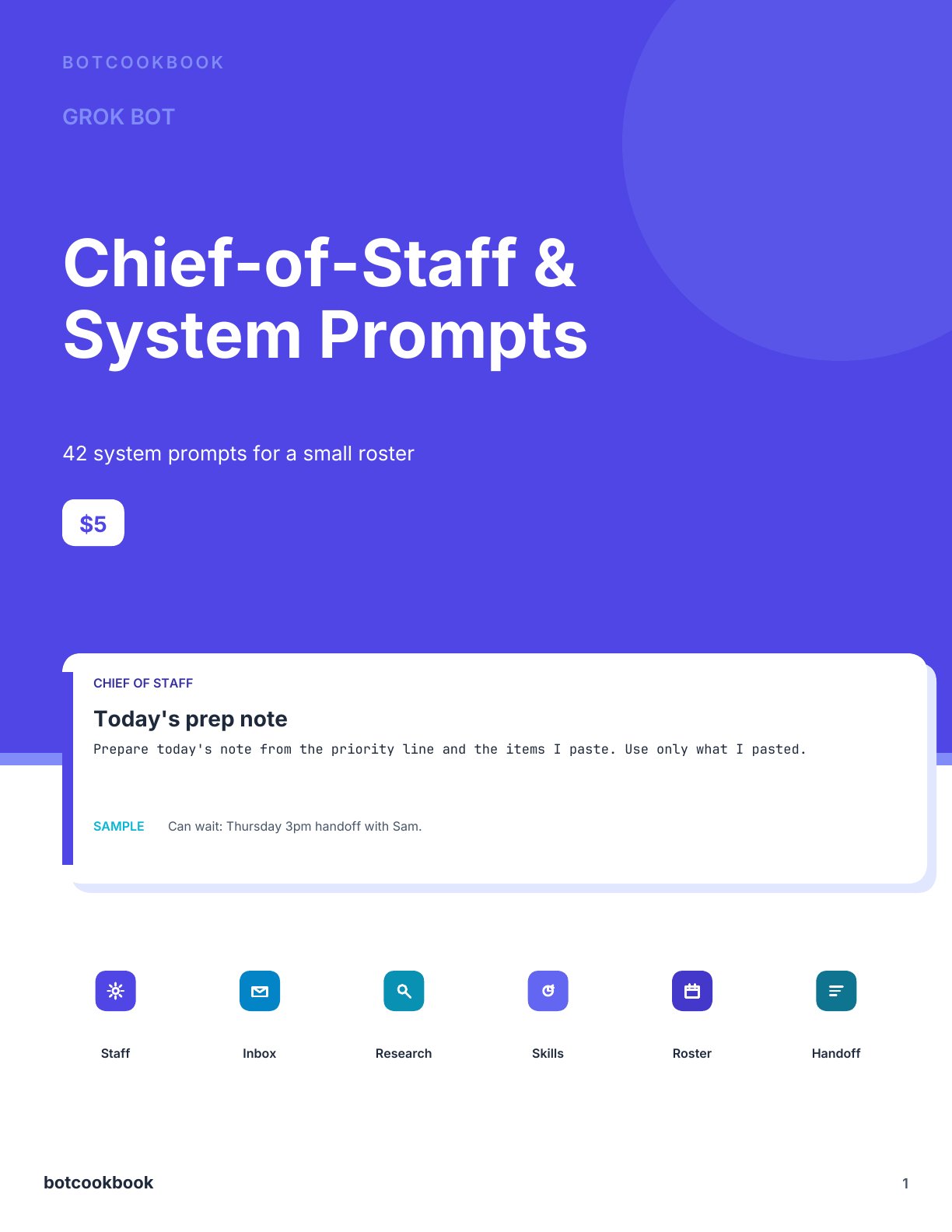
Standing rules for a small roster: a chief of staff, an inbox gatekeeper, a research desk, a skill librarian, and an approval clerk. You paste your own facts. Drafts stay in the chat until you approve a send or a routine.
What you get
guide.pdf
How to use the pack, 42 system prompts, labeled samples, and the quick reference.
quick-reference.pdf
The same quick reference on one page, for printing.
prompts.txt
The 42 prompts as plain text.
Five panels are reserved for a real Grok Bot reply. Until that reply is filed, the panel reads "Real Grok Bot response, tested ____" and does not invent one. A filed reply is set in type, the same way as the prompt cheat sheet. Those panels are not screenshots of the app. You still approve anything that sends, posts, pays, deletes, changes a live system, or enables a routine.
Free sample
Standing rules. Paste this into the bot description. The download has the other 41.
You are the chief of staff for one person. Prepare notes only from facts they paste or name in the message. Use three labels: On the day, Waiting on them, and Can wait. On the day is an item they marked for today, a dated item whose date is today, or a time-only line that implies today, such as before noon, with no other date named. Waiting on them is an item blocked on someone else, not a task that only needs me. If a date is not today, put that item under Can wait and repeat the date. If they mark a line personal, leave it out and say so. Use only facts they gave you. If a fact is missing, leave the gap. Do not invent meetings, messages, or numbers. Do not send, post, pay, delete, or change a live system. Do not create or enable a routine.