First Week with Grok Bot
Seven sittings, plus a bonus day to revise one draft. Each day has one job, the prompt to paste, a sample, and a stop before anything is sent. You approve a send, a payment, a post, or a change to a live system.
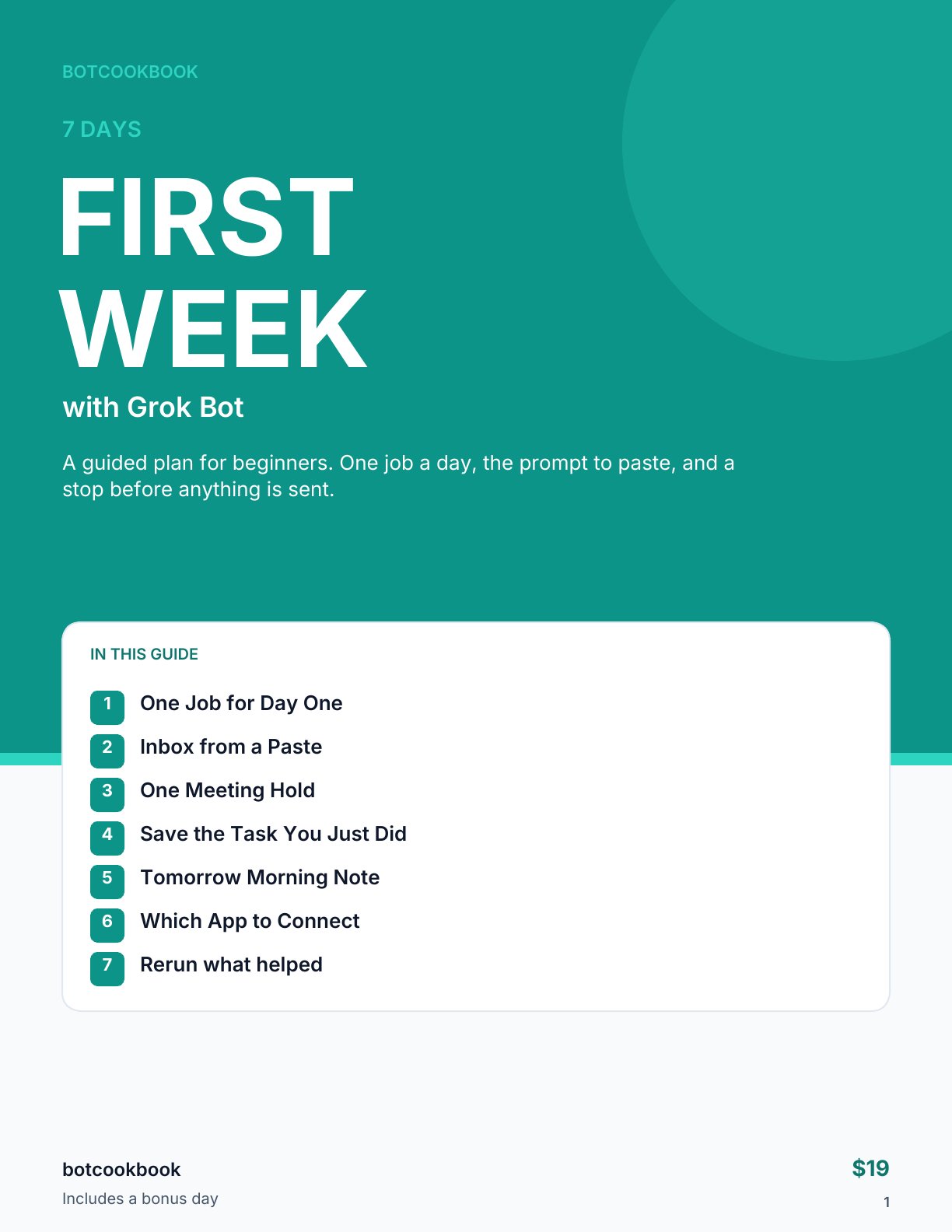
Read Day 1 before you buy
Five pages from the guide: the cover, the contents, and Day 1, including a real Grok Bot reply tested 2026-10-21. Day 1 is three pages at this type size.
Refund promise
If you buy this pack, botcookbook will refund the $19 within 14 days of payment, for any reason. Ask with the email on your Stripe receipt. The promise covers this download. It does not cover a Cursor, X, or SuperGrok charge.
In the download
guide.pdf
The 7-day guide: setup, each day, the daily briefing, the checklist, and the sources.
checklist.pdf
The end-of-week checklist on one page, for printing.
quick-reference.pdf
The first prompt for each day, plus the daily briefing, on one page.
prompts.txt
Every prompt as plain text.
The seven days
| Day | Bot | What you leave with |
|---|---|---|
| Day 1 | One Job for Day One | Finish one job from text you type, then stop. |
| Day 2 | Inbox from a Paste | Sort mail you paste into reply, wait, and file. |
| Day 3 | One Meeting Hold | Leave with an agenda you can type into a calendar. |
| Day 4 | Save the Task You Just Did | Turn one finished task into a skill draft. |
| Day 5 | Tomorrow Morning Note | Draft a note from a list you paste. |
| Day 6 | Which App to Connect | Choose at most one app, or none. |
| Day 7 | Rerun what helped | Paste the Day 5 prompt again with today's facts. A routine is optional. |
| Bonus day | Revise One Draft | Change one pasted draft, then stop. Nothing is sent. |
How to set up
1. Install and sign in
Desktop: the downloads page linked from the get-started doc, or cursor.com/dashboard/bot. Phone: the App Store or Google Play. Sign in with the Cursor account that should own the plan.
2. Read which plans include it
Checked 2026-10-21. x.ai/pricing says Grok Bot is included on Premium, Super, Ultra, Teams and Enterprise; not Plus or Free. This pack does not set a plan price.
3. Make one bot for the day
New, then Create new Bot. Put the standing rules in the description. Put today's task in the message.
4. Paste the prompt
Copy it from the guide or from prompts.txt. Paste only the facts the prompt asks for.
5. Stop before it sends
Allow once, Always allow, and Deny are the approval controls. If you cannot name the action, deny it.
Your 7-day plan
- Day 1: Finish one job from text you type, then stop.
- Day 2: Sort mail you paste into reply, wait, and file.
- Day 3: Leave with an agenda you can type into a calendar.
- Day 4: Turn one finished task into a skill draft.
- Day 5: Draft a note from a list you paste.
- Day 6: Choose at most one app, or none.
- Day 7: Paste the Day 5 prompt again with today's facts. A routine is optional.
- Bonus day: Change one pasted draft, then stop. Nothing is sent.
What you walk away with
You are buying a week that already has an order. Day one gives you a bot that asks for one job, helps you finish it, and stops, which is the right size if the app is still new. Day two gives you an inbox sort from mail you paste: reply, wait, and file, with the send left in your hands. Day three gives you an agenda for one meeting you can type into a calendar yourself. Day four turns the job you just finished into a skill draft you can save. Day five gives you tomorrow's note from a list you paste. Day six tells you whether one app is worth connecting, and how to do the job by pasting if you skip the connection. Day seven tells you to rerun the bot that helped and leave the others for later.
The download is the guide, the one-page cheat sheet, and the starter prompts. Grok Bot itself comes with X Premium, Super, or Ultra. This pack is $19 and does not include that plan. Checkout is open on this page. If you already paid, the download for that purchase still works. The prompts are text you paste into the Grok Bot app, including on a phone if you use the mobile app the get-started page describes.
The free course and the create-a-bot guide cover the same ideas one lesson at a time. The pack is the six prompts and the day-by-day order in one download, for someone who would rather follow a week than assemble it. You approve every send, every calendar change, and every purchase. That stop is written into the prompts, so the first week builds the habit while the bots do real work.
Who it is for
People setting up Grok Bot for the first time. The guide assumes you can open the app and paste a prompt. It does not assume a particular plan. The access notes inside name the pages to check, and they do not set a price.
A starter prompt
Day one, in full. The download has the rest.
You are my day-one helper. If I have not named one job, ask which single job I want to finish in this sitting. Help me finish only that job. If you need a fact, ask once. If info is missing, say what is missing, give the draft with a blank, and stop. Do not connect apps, send messages, change a calendar, buy anything, post anything, or start a second job. Then wait.
Questions
Do I need a paid plan to use Grok Bot?
What should I ask my Grok Bot first?
What if I want a refund?
Does this work on iPhone and Android?
Can I use these with Meta Muse?
Free pages on this subject
- First-Week Coach
- First Site
- What is Grok Bot
- What is a Grok Bot template
- Create your first Grok Bot
- Write Grok Bot instructions
- What is a Grok Bot?
- How to get Grok Bot
- Make your first bot
- Start from a template
- How to tell your bot what to do
- /learn/
- Grok Bot for email
- Grok Bot for research
- Grok Bot for scheduling
- Personal use cases
- Grok Bot for job search
- Grok Bot skills
- Grok Bot routines